Manage conversations
Library AI Assistant makes it easy to manage your conversations.
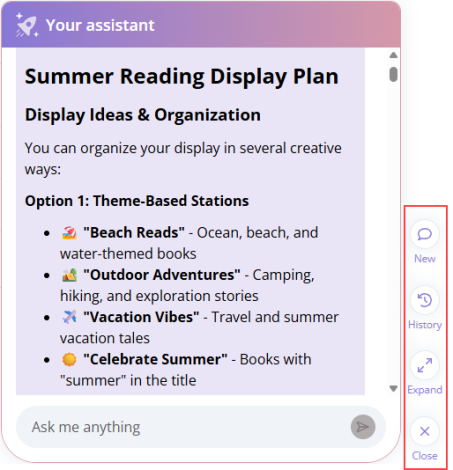
Start a new conversation
To the right of your assistant, click New. Use a new conversation when you switch topics so it's easier to keep your chats organized.
View or continue previous conversations
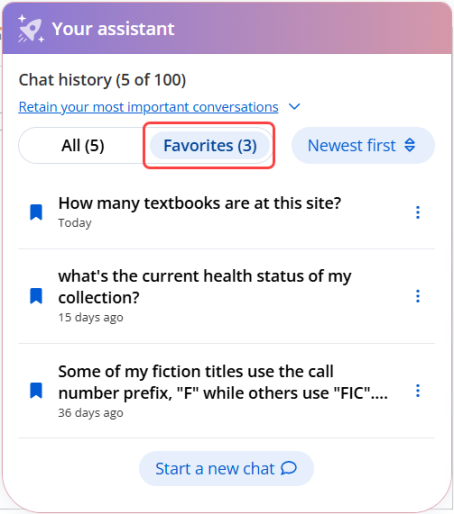
To the right of your assistant, click History. Rename conversations for easy reference, or delete them when no longer needed. To access these options, next to a conversation, click  .
.
You can mark any conversation in your chat history as a favorite by clicking  next to it. Favorited conversations are protected from automatic deletion and can be filtered so they're easier to find.
|
Note: Each user can keep up to 100 of their most recent conversations. When you reach the limit, the oldest conversation is automatically deleted. To keep your important conversations, mark them as favorites, and periodically delete ones you no longer need. |
Expand or collapse your view
To the right of your assistant, click Expand. Use this view when you want more space to read responses, or review longer conversations.
Close your assistant
When you're not using your assistant, click Close to see more of Destiny.
|
Note: Data is refreshed nightly and is not real-time. |