Get started with Library AI Assistant
Ready to save time and simplify library and resource data management with Destiny? Here's how to get started with your new assistant.
|
Notes:
|
Access your assistant
Find your assistant on any page in Destiny Back Office.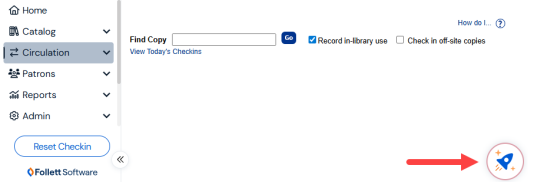
How it works
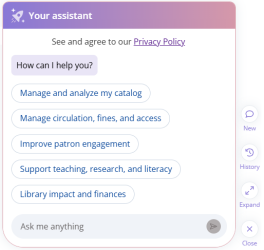
Step 1: Enter a prompt.
Type your question or request in everyday language, or select a pre-built prompt to get started.
Your assistant can answer questions about your catalog, circulation, and resource inventory data. It can also:
- Provide best-practice recommendations (for example, how to weed your collection).
- Help you use Destiny features more effectively.
Step 2: Review the response.
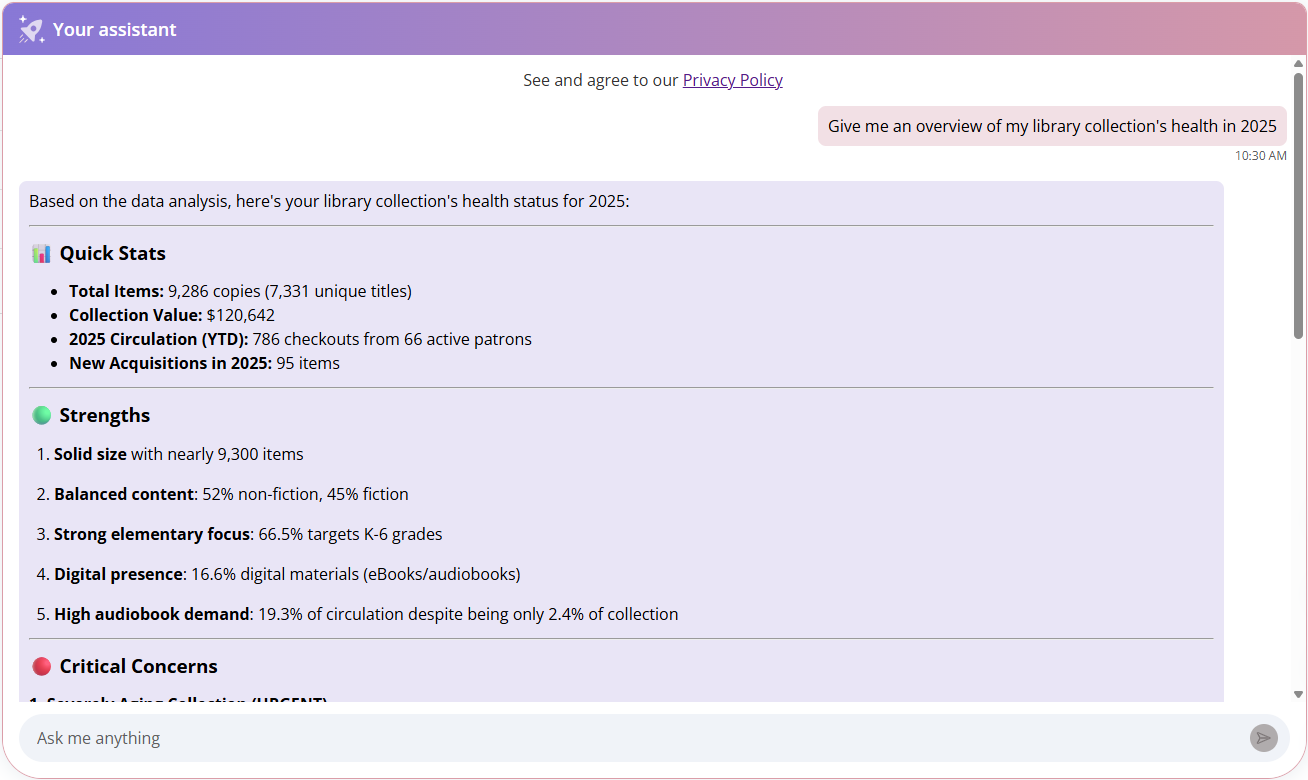
Responses can include quick insights for simple data inquiries, as well as more detailed data for more complex requests.
Step 3: Continue the conversation and provide feedback.
If you need more specific information or have follow-up questions, keep the conversation going by asking another question or refining your prompt.
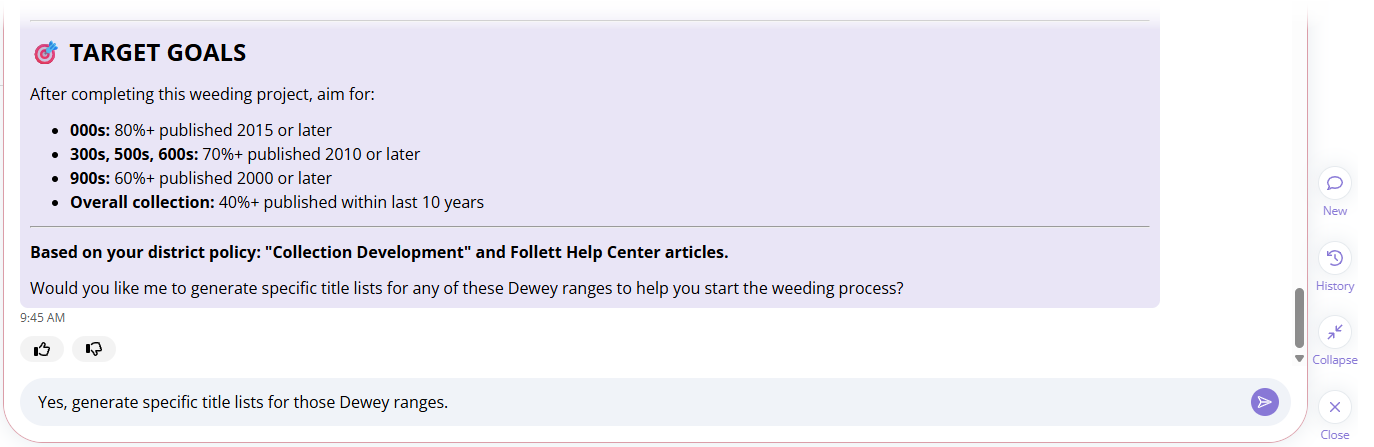
To provide feedback on the quality of the response, click  or
or  . Your feedback helps train and refine Library AI Assistant.
Now that you know how Library AI Assistant works, see how to manage conversations.